How do I use Shopify's "Compare at price" for TikTok?
Go to https://admin.shopify.com/apps/shopee-channel/shopify/tiktok_preferences and enable "Use Shopify Compare at Price".
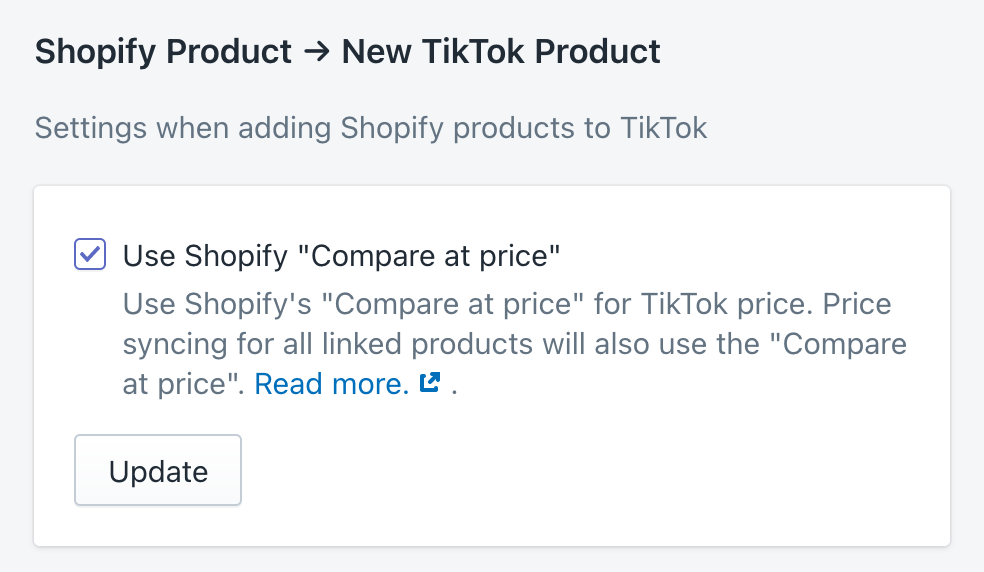
After that the app will add products to TikTok based on the compare at price on Shopify (see screenshot) instead of the regular price.
If you already have TikTok products linked to Shopify products, and you have price syncing enabled, the app will start syncing the Compare at price to TikTok.

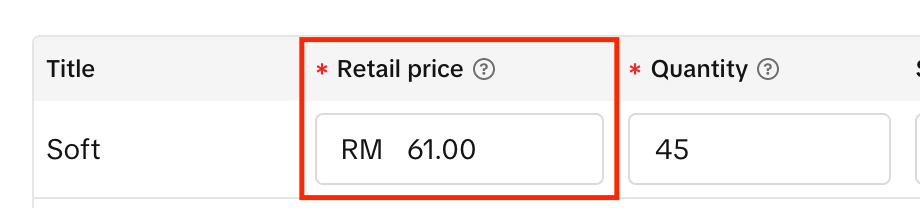
This will set the retail price on TikTok (see screenshot)
For the best experience, the app follows these rules to make sure that the TikTok price is not set to $0.
When the Shopify Price is $60,
- and the Shopify Compare at price is $61, the app will set the TikTok price to $61
- and the Shopify Compare at price is $0, the app will set the TikTok price to $60
- and the Shopify Compare at price is not set, the app will set the TikTok price to $60